Add to Template Gallery
Click the Template | Publish | Add to Template Gallery or Home | Templates | Add to Template Gallery command to add the currently viewed project in the Plot window to the Template Gallery. If the currently open project is not already a template Grapher will first convert the project to a Template, then add it to the Template Gallery.
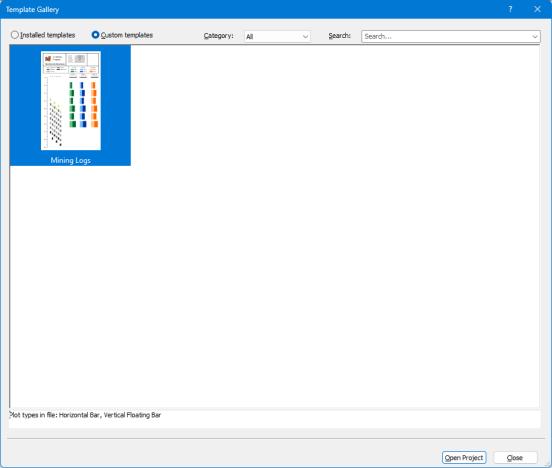
To view custom templates that you have added, click Home | Templates | Template Gallery. Then in the Template Gallery window select the Custom Templates radio button at the top of the window.
|
| Browse custom templates that you have added in the Template Gallery window. |
See Also