Block Select Definition
Objects are block selected by dragging a rectangle around them. Click outside one corner of the object, hold the left mouse button down, and drag the mouse to the opposite corner of the object. If the rectangle is drawn properly, a bounding box will surround the object.
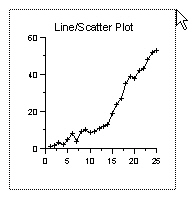
This example shows the block
select bounding box surrounding
the selected object, as seen by
left-clicking the lower left corner
and dragging the mouse to the
upper right corner.